

Spend. Save. Slay.
Students (ages 6-25) can build strong financial habits by adding Zing! to their account (with a parent or guardian co-signer). Zing! lives inside our banking app and helps kids and teens learn money skills the fun way. With interactive tools and rewards, it turns everyday money moments into smart habits for life.
Built for young humans
Gain financial confidence
Joint ownership required
Life is better with Zing!
We believe it’s never too early to start building smart money habits. Zing empowers young members to learn real-world money skills and gain financial confidence while managing money in a safe way. This is more than banking. It’s a foundation for the future.
Get Started (Smiles Await!)
Explore the fun side of money!

Zing Crossword Puzzle

Zing Connect and Color

Hit the Road Game
Hit the Road Game
Choose your character to go on a road trip while keeping track of your cents.
Play Now
Zing Fun at School

Zing I Spy

Zing Color by Number

Zing Circus Games

Space Supply Game

Zing Math Adventure
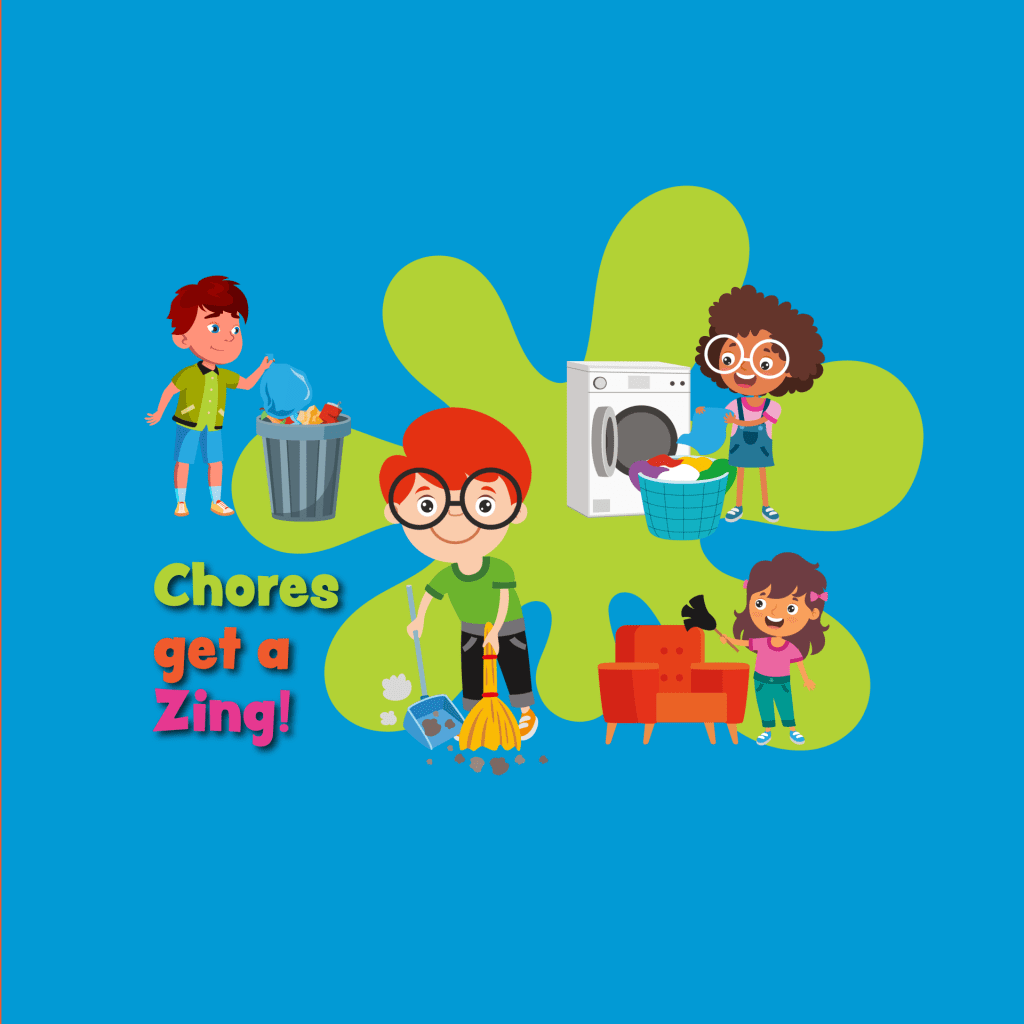
Get ready to earn!
Grades bring ka-ching. Chores get a zing! You oversee everything. 🤩
- Earn It: Get cash for tasks, chores and good grades. Parents assign tasks, set rewards and approve completed chores and tasks.
- Good Grades: Turn academic success into earning. Students upload report cards to earn, turning good grades into weekend paydays.
- Automated Allowance: Parents set up recurring transfers for allowances.
- Request It: Youth can request money and parents approve instantly and securely (with forgiveness options available).
- Control It: Set daily spending caps.
- Save It: Level up with budgets and goal-tracking.
Ready, set, Zing!
Create a monthly budget to learn real world money lessons on money management. Real-time dashboards show how close you are to hitting your savings goals.
Get Started (Smiles Await!)
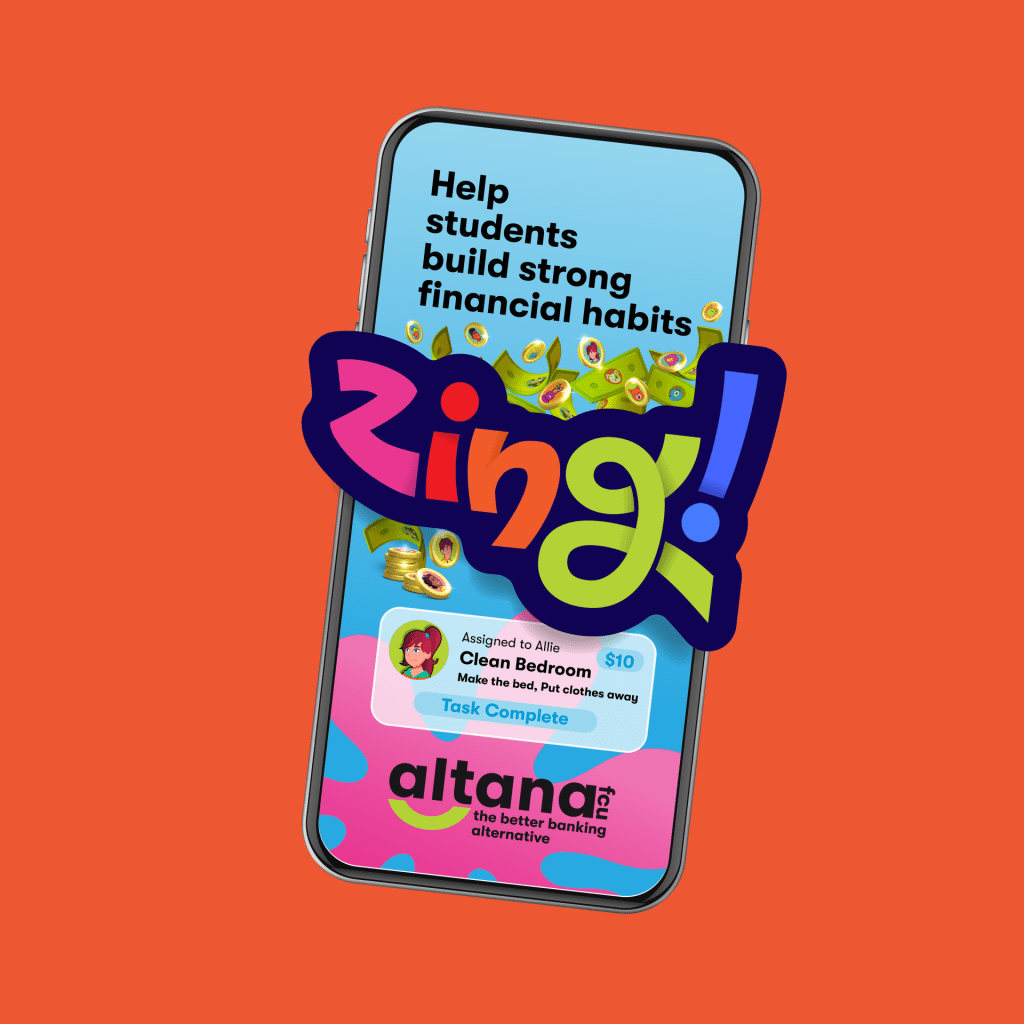

Money lessons that last a lifetime.
Earn it. Snap it. Spend it. You’re in charge. 📝
- Learn Together: Students gain real money skills through interactive tools.
- Stay in Control: Set limits, approve spending and track progress. Students (and parents) are in control so it’s a win-win for everyone.
- Build Good Habits: Students can earn rewards for saving and reaching goals.
- Safe and Sound: Built with the same trusted technology that protects your Altana accounts.

Why did a broom apply for a job?
It wanted to sweep in extra cash!

Did you know?
A 100-year-old chocolate bar sold for nearly $700?!
Why are good grades like coins?
Because they really add up!

Fun Fact
Coins are made in factories
called mints.
Zing! FAQs
What is required to register for Zing?
Both parent/guardian and kid or teen must be members with active Altana accounts. Parent/guardian must be the primary on their account and must be a joint owner of the youth account. Both must have digital banking access.
Kids and teens need their own digital baking login credentials to access Zing independently. Parents may still manage on their behalf.
What accounts do we need for Zing?
Both parent/guardian and youth member must have Membership Savings accounts. Checking accounts for minors may also be used.
If there are multiple joint owners on the account then multiple owners can register, but only the first to register the youth member will have access to full functionality.
How do I register for Zing in digital banking?
Log in to digital baking or the Altana mobile app, find the Zing widget and click “Get Started”. Complete the registration form and accept disclosures. Add kids or teens by selecting their account, entering details, and choosing an avatar.
If you don’t see the Zing widget on your dashboard scroll to the bottom, click “Organize Dashboard” > “Add Card” > choose “Zing” and close the window.
How do I open a youth savings account?
You can open a youth account online or visit one of our Altana locations, with a $5 deposit required to establish membership for ages 0-11 and a $25 deposit required for ages 12 and over. An adult joint owner is required to open an account for a minor. Youth savings accounts with a minimum balance of $25 earn dividends.
Is Zing free for members?
Yes, Zing is completely FREE for our members to use!
How do Tasks work with Zing?
- To assign a task log in to digital baking > open Zing > select child > click Earn tab > choose Assign Task. Then choose a preset or create a custom task, enter the reward, and submit.
- Pending tasks will appear under Need Parental Review, to be approved, denied, or request more work.
- To unassign a task, go to the task menu, select Unassign Task and confirm.
- Youth members will see assigned tasks in their Earn tab, mark them as complete, and optionally upload photos.
How do Budgets and Savings Goals work?
- To create or update a budget go to the Save tab and enter deposits, expenses, or savings. Monthly and daily spending is calculated automatically.
- To set a savings goal select Create a Savings Goal, enter description and target amount, and submit.
- To update or track savings goals go to the savings goal, add progress amounts and view updates.
How do Grades and Rewards work?
- To submit grades, select New Report Card, upload a photo, and enter grades.
- Parents can review grade submissions and will see pending requests, verify grades, adjust reward amounts if needed, and approve or deny.
Can I pay an allowance with a Zing?
Yes, by setting up a recurring transfer from your account to your child’s account you can pay an allowance.
To set or change allowance simply go to the child’s profile menu, select Set Allowance, enter amount, frequency, and start date, then confirm.
How can my child or teen earn trophies?
There are many different ways to earn trophies including:
- Make 5 loan payments on time.
- Pay off a loan.
- Reach a savings goal.
- Complete a monthly budget.
To view trophies and the leaderboard go to the Save tab > Trophies Earned > select Progress or Leaderboard. Rankings show household and institution-wide positions.
How do Money Requests work?
To request money go to the Earn tab and select New Request > Request Money, enter amount and reason, then submit. Parents can see pending requests in the child’s profile, then approve or deny. If the parent’s account lacks funds the request will fail with an error message.
The difference between a Money Request and a Loan Request is that a Money Request is one-time funds, that don’t require repayment, while a Loan Request is for a larger purchase, requiring repayment with interest.
How do Zing Loans work?
Loans are agreements between parent and child (not Altana) to teach repayment and interest. Parents set terms and interest. Here’s the details:
- A loan request can be made by your child submitting a request in the Earn tab, toggles Loan Request, selects term and repayment frequency, and submits.
- Interest rates can be changed for future loans by modifying the interest rate in Settings before approving a new loan.
- A loan can’t be canceled after approval. Once approved and funded, the loan must be repaid.
- Only one loan may be active at a time.
- If a child misses a payment, parents can transfer funds from the child’s account or make payments manually.
- Interest from a loan is deposited into the approving parent’s account.
How do I change my avatar?
From your profile menu, select Change Avatar, choose an avatar or upload a photo, and confirm.
How does Altana protect children’s privacy?
Altana complies with COPPA (Children’s Online Privacy Protection Act). Personal information is collected, stored, and used only with verifiable parental consent.
Who do I contact for help with Zing?
Please start a chat with our member support through digital baking (or the app) or call us at 406-651-AFCU (2328).
Have a question not answered here?